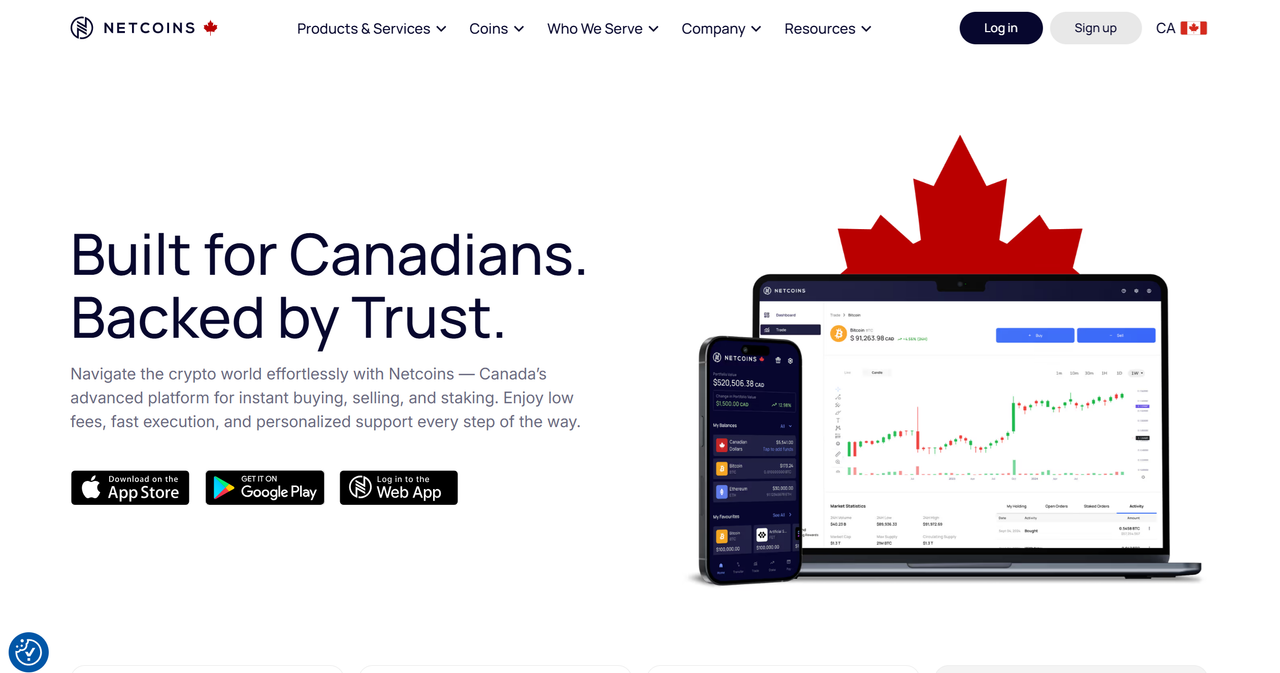
Welcome to Netcoins. Use this page to securely log in to your account and start trading with confidence. Please follow the steps carefully and heed the security guidelines to protect your assets.
1. 🌐 Access the Official Login Page
Open your web browser and manually type https://netcoins.com (or bookmark it). Avoid clicking on login links from unsolicited emails or unknown sources — phishing attempts are common.
Ensure your connection is secure: look for the padlock icon in the address bar and verify the domain is correct.
From the homepage, click on the “Log In” button, typically located at the top‑right corner. :contentReference[oaicite:1]{index=1}
2. ➤ Enter Your Credentials
On the login page, enter the **email address** associated with your Netcoins account.
Enter your **password** — make sure it is strong: using a mix of uppercase & lowercase letters, numbers, and special characters is recommended.
Click the “Log In” button to proceed. :contentReference[oaicite:2]{index=2}
3. 📲 Two‑Factor Authentication (2FA)
For enhanced account security, Netcoins supports (and recommends) Two‑Factor Authentication (2FA). If 2FA is enabled on your account, after entering your credentials you will be prompted for a 6‑digit code from your authenticator app (or via other 2FA methods). :contentReference[oaicite:3]{index=3}
ℹ️ Tip: If you haven’t yet enabled 2FA, please do so in your account settings under “Security”. Always save your recovery/backup codes in a secure, offline location — they may be needed to recover access if your 2FA device is lost.
4. ✅ After Successful Login — Dashboard Access & Trading
Once your credentials (and 2FA, if enabled) are verified, you will be redirected to your account dashboard. On Netcoins you can:
Buy and sell cryptocurrencies (e.g. BTC, ETH, and other supported assets). :contentReference[oaicite:4]{index=4}
Deposit and withdraw funds (fiat or crypto), manage wallets.
Track your portfolio, view balances, history, and analytics/market data. :contentReference[oaicite:5]{index=5}
Use advanced charting, trading tools, and self‑directed trading features (e.g. limit orders, alerts). :contentReference[oaicite:6]{index=6}
5. 🛡️ Security Best Practices & Recommendations
Use a **unique, strong password** — avoid reusing passwords from other services.
Enable **Two‑Factor Authentication (2FA)** and never disable it. 2FA significantly reduces the risk of unauthorized access even if login credentials are compromised. :contentReference[oaicite:7]{index=7}
Store any **recovery or backup codes offline** (e.g. printed or in a secure offline vault). Do not store them in plain text or email drafts.
Avoid logging in over public or unsecured Wi‑Fi networks. Prefer private networks or VPN for added security.
Keep your device’s operating system and browser up to date. Use reputable security software to defend against malware or keyloggers.
Log out when done, especially if using a shared or public device. :contentReference[oaicite:8]{index=8}
6. 📋 Summary — Secure Login Checklist
✅ Use correct URL: https://netcoins.com
✅ Enter registered email & strong password
✅ Enable and use 2FA
✅ Store recovery codes securely (offline)
✅ Use secure, private networks; avoid public Wi‑Fi
✅ Keep devices and browser software up to date
✅ Log out after each session (especially on shared devices)
✅ Never share your credentials or 2FA codes with anyone
Thank you for choosing Netcoins. By following these guidelines, you help ensure that your account remains secure, and you can enjoy trading and managing your crypto assets with confidence and peace of mind. 🚀